

freelancers
December 8, 2021
6 Resume Design Tips and Examples
Having a well-designed resume is important, whether you’re applying for a side hustle or a full-time job. A good design will attract the interest of recruiters and encourage them to keep reading, thereby increasing your chances of getting shortlisted for the role.
If you have mediocre design skills, it can be difficult to design your own resume. To help you get started, here are some tips to help you out.
1. Stay Organized with Columns
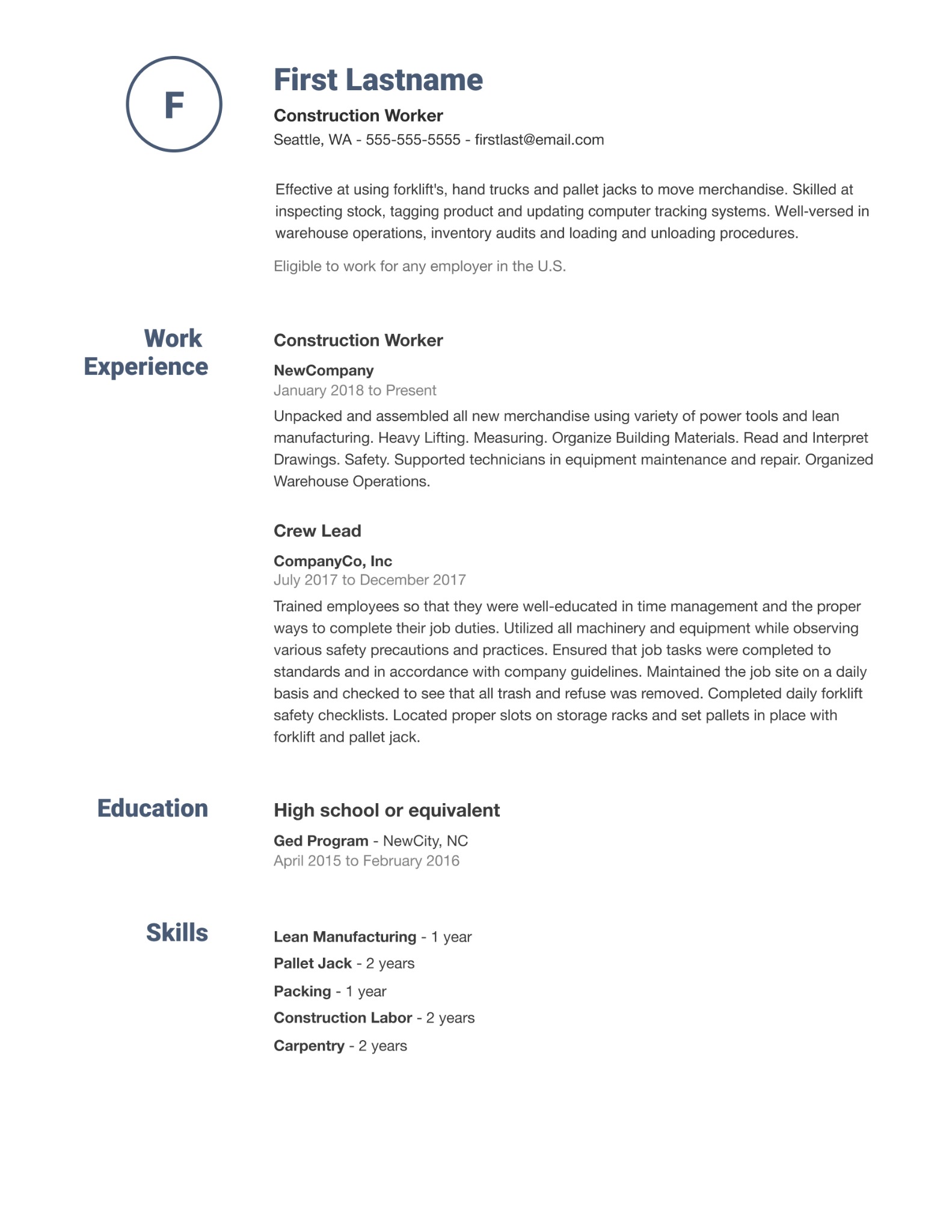
Organize relevant information into clear and separate columns. Dedicate separate sections for education, work experience, and contact information. That way, agents and recruiters can seamlessly evaluate your resume and pick out relevant information.
For example, this resume template from Indeed has separate areas dedicated to work experience, skills, and education.
2. Have a Consistent Color Scheme
Simplicity is beauty when it comes to resume design.
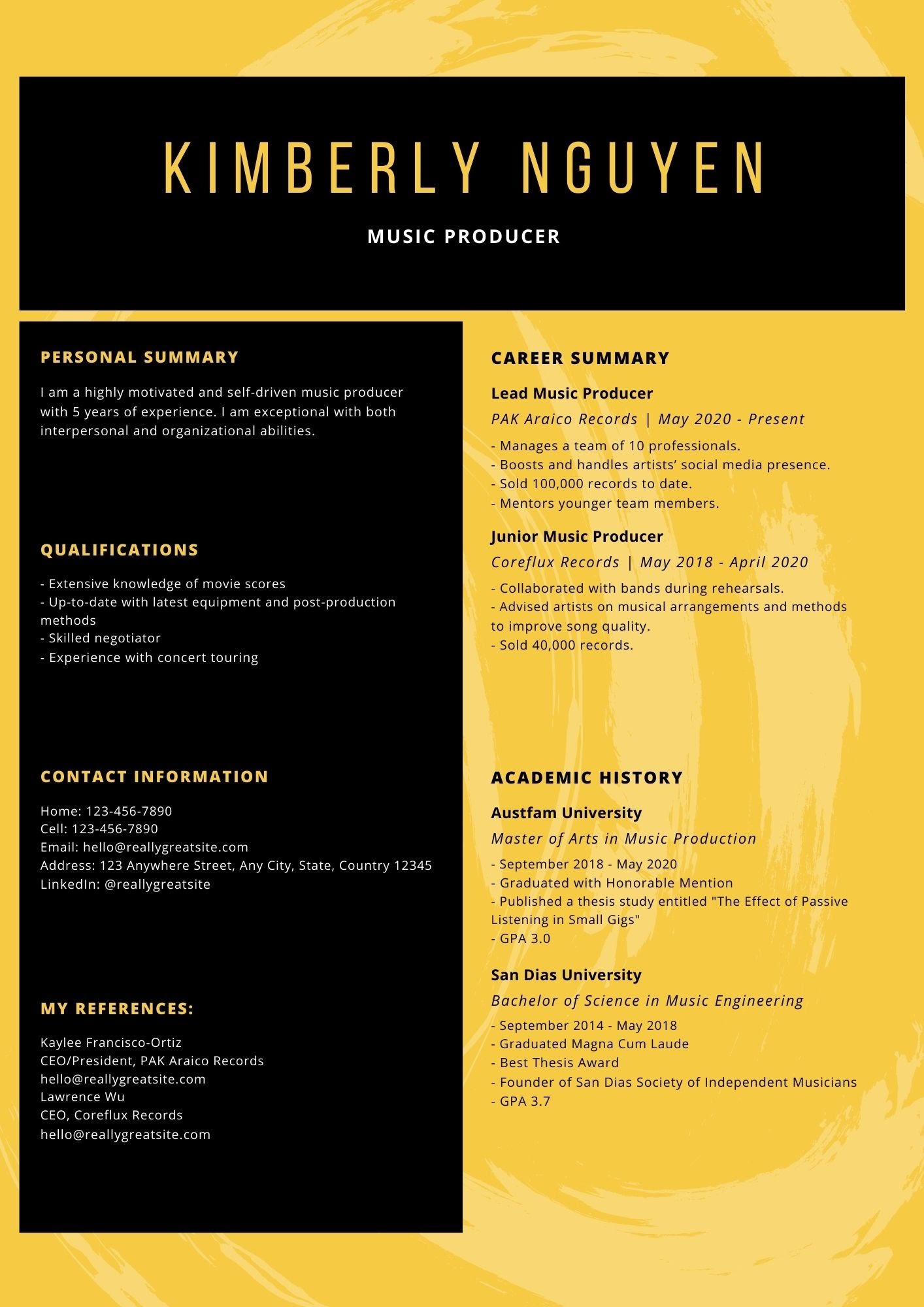
To make your application more appealing, pick two to three eye-catching background colors which look great together. Feel free to pick any color you want, as long as the text is still readable.
For example, this Yellow and Black resume template from Canva is beautiful despite the minimalist vibe. The font colors contrast well with the background, so the text is comprehensible.
3. Use a Professional Photo
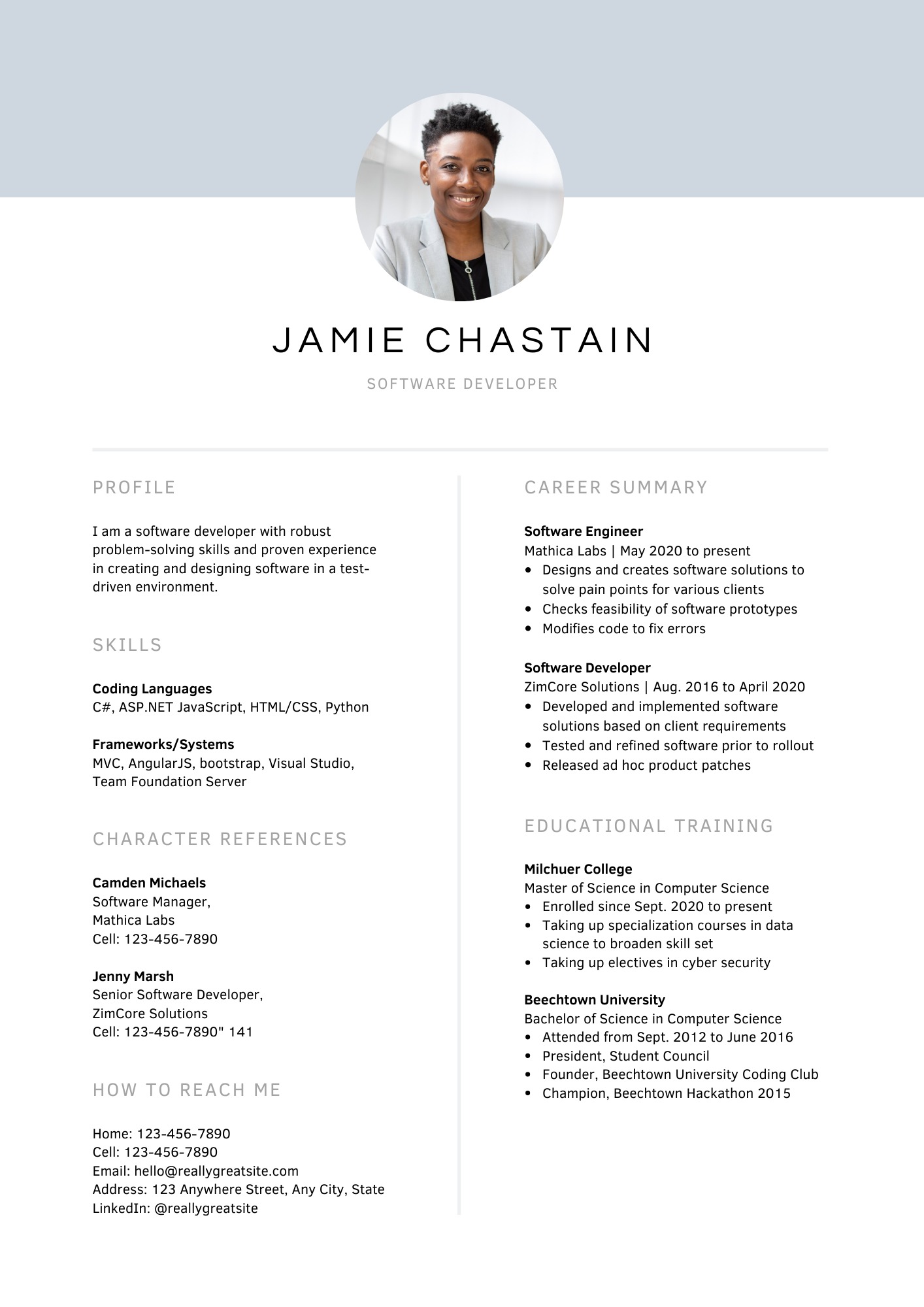
First impressions matter, especially when it comes to job applications. You’ll want to be perceived as qualified or competent, and a professional photo helps establish that. If you lack photography skills, hire a professional photographer to take your photo. This small investment will pay off in the long run once you manage to get a job.
Consider this professional resume template from Canva, which draws readers to the professional photo at first glance.
4. Choose a Readable Font
Complex or fancy fonts can showcase your personality. However, they’re not worth it if your resume becomes difficult to read.
The rule of thumb is to stick to sans serif fonts because of their high readability. Some of the most popular options are Arial, Calibri, Cambria, Didot, Garamond, and Times New Roman.
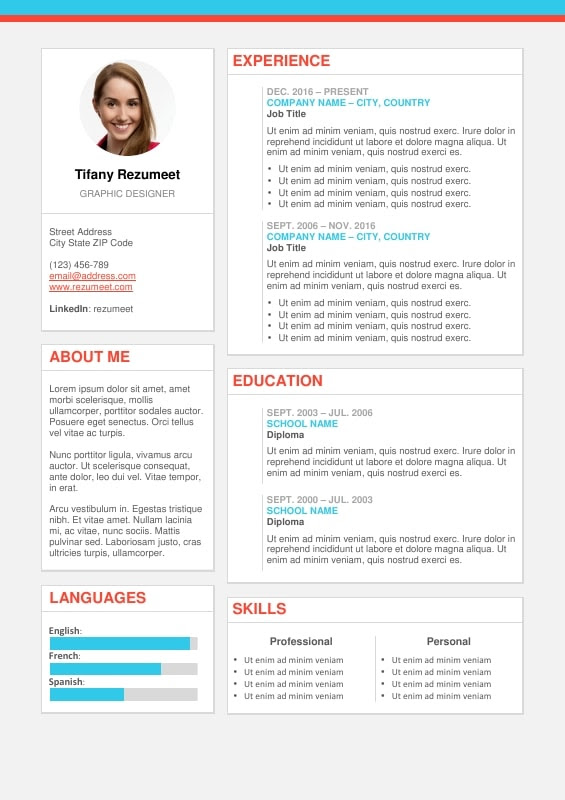
This Plateau template from Rezumeet applied an Arial font. In addition, important highlights such as the job title, school name, and company name are in bold so recruiters can spot it in an instant.
5. Create a Skills Section
These days recruiters look for candidates with technical skills such as photography, video editing , or social media management. They may also be looking for applicants proficient in using specific software such as Adobe Photoshop or fluency in programming languages like Java.
A resume without this information may be ignored over other applications which highlight these skills. To solve this dilemma, include a skills section that communicates the skills you have.
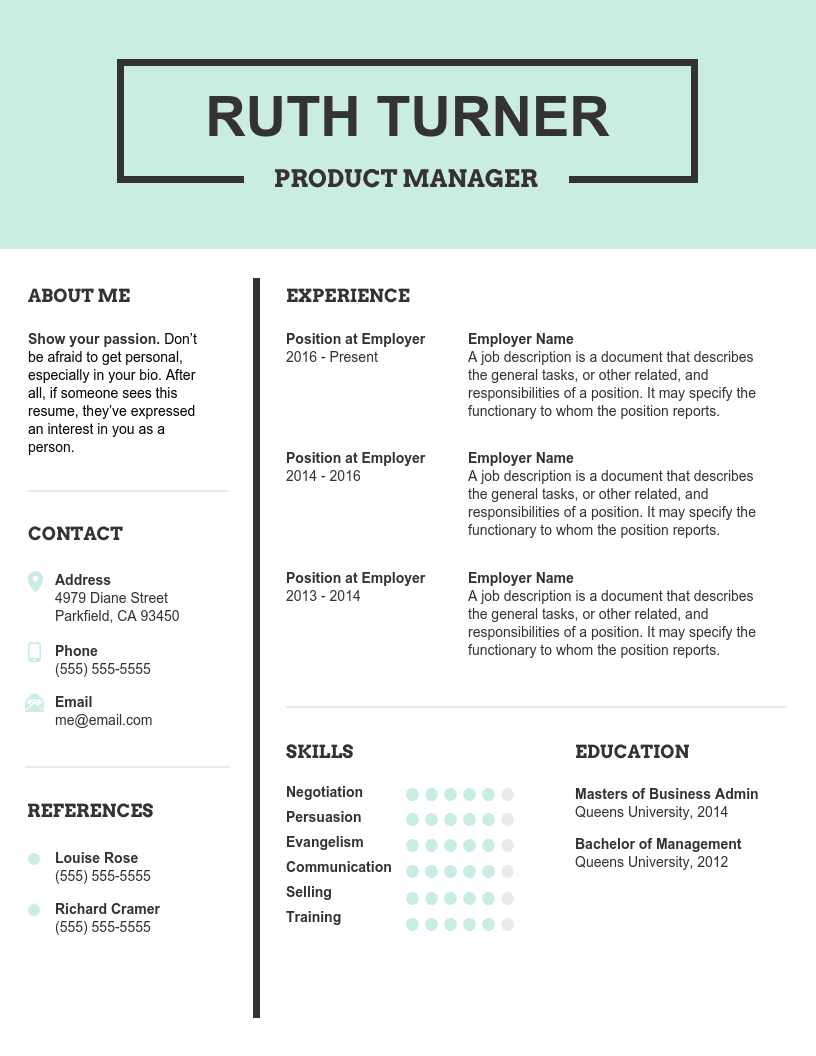
Not sure about which skills to include? List down the common skills recruiters want in the positions you’re applying for. Chances are, these are the in-demand skill sets that other recruiters are also searching for.
6. Experiment with Various Designs and Formats
There’s no need to stick to just one specific resume design or template. Try to experiment with various resume designs and formats.
Recruiters in a specific industry may be biased or responsive towards a particular format. When you notice a specific resume design or template is helping you get more invitations for interviews, then stick to that option.
How Will You Design Your Resume?
There is no right or wrong way to design your resume. Even with a minimalist design and a professional-looking format, your application can stand out to managers and HR personnel.
Those lacking the confidence to design their own resume can opt for Fiverr resume designers . Our experts can create eye-catching resumes which will make your profile stand out from the pack.
Dive in