

freelancers
March 18, 2021
Home Studio 101: A Guide for Beginners
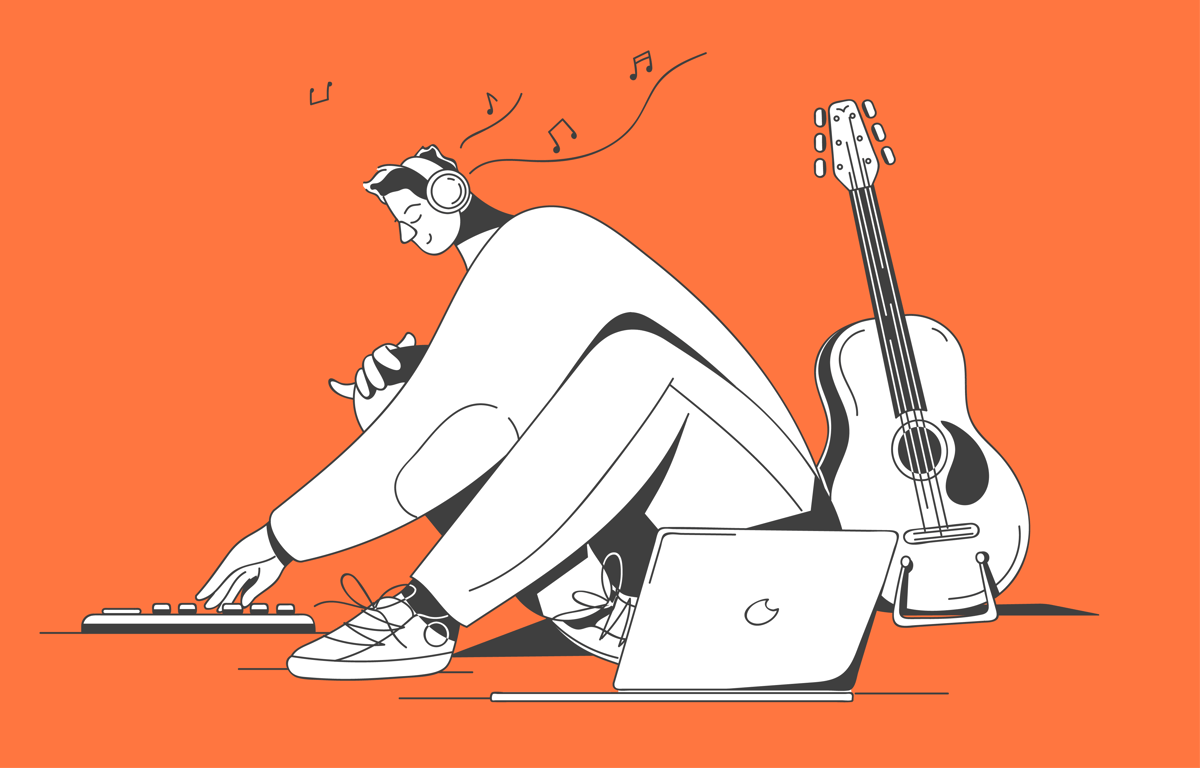
The idea of acquiring a home studio setup is nothing new. In fact, bedroom producers all over the world have invested in their own equipment for decades. But with technology advancing rapidly each year, software that once seemed niche has become more accessible. Now, any artist, podcaster or vlogger can make a one-time investment to record high quality takes at home.
The question is - how do you begin?
Choosing the right computer
Before you drop your savings on the newest and best option out there, contemplate your needs and goals. Are you solely interested in recording and editing your own vocal takes? Or do you want to mix them as well?
The more tracks and audio effects you’re dealing with, the higher the pressure will be on your computer.
Mac vs. PC
A lot of creative people prefer Macs simply because they feel more inspired by their design and workflow. Apple products are incredibly user-friendly, after all! Moreover, Apple-owned software, such as Logic Pro X , Garageband and Final Cut Pro , only run on Mac computers.
All that being said, any home producer on a budget should consider PC alternatives. Why? Because you might be able to afford a PC with superior specifications than a Mac the same amount of money can buy at an Apple store.
Laptop vs. Desktop
Today, you can get a powerful, custom-made laptop that can compete with the performance of a standard desktop computer.
The biggest advantage of owning such a laptop is the mobility factor. If you want to record vocal takes in one room and edit them in another, there’s no reason why you shouldn’t prefer a laptop over a desktop computer.
Minimum Specs
Your computer’s performance depends on the capacity of the components that make up its brain.
Processor: The quality of the processor determines how intelligent your computer is. Although there are other brands on the market, Intel is the most popular choice among PC and Mac users alike. A computer with an Intel Core i7 processor that contains four or more cores will serve you well for several years to come.
RAM: Random-access memory is really a fancy term for short term memory. As you might have guessed, bigger short term memory capacity leads to faster calculations. Today, 16 GB of memory is sufficient for most beginner-level home producers to get by.
Internal Storage: The internal storage of a computer serves as its long term memory. Most home producers need at least 500 GB of storage. Why? Because high quality audio files take up a lot of space. If a computer runs out of space, it will inevitably function more slowly.
Picking your Digital Audio Workstation (DAW)
With pro DAWs, such as Logic Pro X, Ableton Live , Pro Tools , Cubase , Studio One and FL Studio , you can record, arrange, edit, produce, mix and even master your compositions.
So, how do you choose?
Well, it all depends on how tech-savvy you are. If you’re just starting out, you can get a lot done with a simpler DAW like Garageband. If you’re a beginner with a PC, you might like the Intro edition of Ableton Live.
You can try almost any DAW for free. All it takes is to download each one you’re interested in to compare and contrast.
Investing in studio headphones for recording and mixing
If you’re looking to purchase a single pair of headphones, make it a closed-back one.
Open-back headphones are often comfortable to wear. They let the air travel in and out to provide a natural listening experience. But that’s exactly why they don’t offer any noise cancellation benefits. Recording vocal takes with a pair of open-back headphones? Don’t be surprised if your microphone ends up picking up all the sounds coming out of them.
You should also keep in mind that wireless headphones are not suitable for professional audio recording purposes. Most headphones that work with bluetooth technology come with the downside of latency .
Looking for a few closed-back headphones to check out? Some of the pairs we like include the Shure SRH440 , Sony MDR-7506 , Beyerdynamic DT 770 PRO and Audio-Technica ATH-M50x .
Getting to know your microphone
If you’re a singer, you’re going to love the detailed way large diaphragm condenser microphones like the Neumann TLM 103 and Rode NT1-A capture your vocals.
But some dynamic microphones can be sufficient and practical for multiple recording situations. For instance, many podcasters and artists love the Shure SM7B , because it sounds warm and balanced.
Nowadays, there are also great USB microphones on the market, such as the Apogee HypeMiC and Rode NT-USB . Such microphones eliminate the need to purchase an audio interface to connect the microphone to the computer. Therefore, they’re great alternatives for recording artists on a tight budget.
Depending on the microphone you own, you might also need some accessories to improve the efficiency of your recording sessions. The most essential ones: a microphone stand , pop filter and an XLR or USB cable .
Why you might want to invest in an audio interface
If you own a USB microphone, you might not have an immediate need to purchase an audio interface. But it’s worth noting that an audio interface serves to amplify and improve the quality of the sound.
Our favorite affordable options in this category are the Focusrite Scarlett 2i2 and Universal Audio Apollo Twin X .
MIDI controller is a must for boundless creations
With MIDI, any bedroom producer can add any musical instrument to their arrangements without going through the trouble of actually recording them.
Looking to add a string section or a drum set to your session? Simply feed the MIDI notes into the software instrument of your choice and you’re done!
Since playing the MIDI notes in some form can be a lot of fun, most producers invest in keyboard or pad controllers .
If you’re a piano player, you might want to get a 5-octave keyboard controller, like one from the M-Audio Keystation or Arturia KeyLab series.
But if you’re a self-taught beatmaker, you might enjoy composing with a pad controller like Ableton Push or AKAI MPD218 a lot more.
Like